Selections
Sometimes, we want to refer to specific parts of a Mesh object:
elements that match some criterion, for example. Selection objects
enable us to do this. Because selecting the boundary is a very common
activity, the Selection constructor function takes an optional
argument to do this:
var bnd=Selection(m, boundary=true)
By default, only the boundary elements are included in the Selection.
For a mesh with at most grade 2 elements (facets), the boundaries are
grade 1 elements (lines); for a mesh with grade 3 elements (volumes),
the boundaries are grade 2 elements (facets). Quite often we want the
vertices themselves as well, so we can call a method to achieve that:
bnd.addgrade(0)
Once a Selection has been created, it can be helpful to visualize it
to ensure the correct elements are selected. We'll talk more about
visualization in section
Visualizing Results, but for now the line
Show(plotselection(m, bnd, grade=1))
shows a visualization of the mesh with the selected grade 1 elements shaded red as displayed in Fig. 4.4{reference-type="ref" reference="fig:Boundary"}.
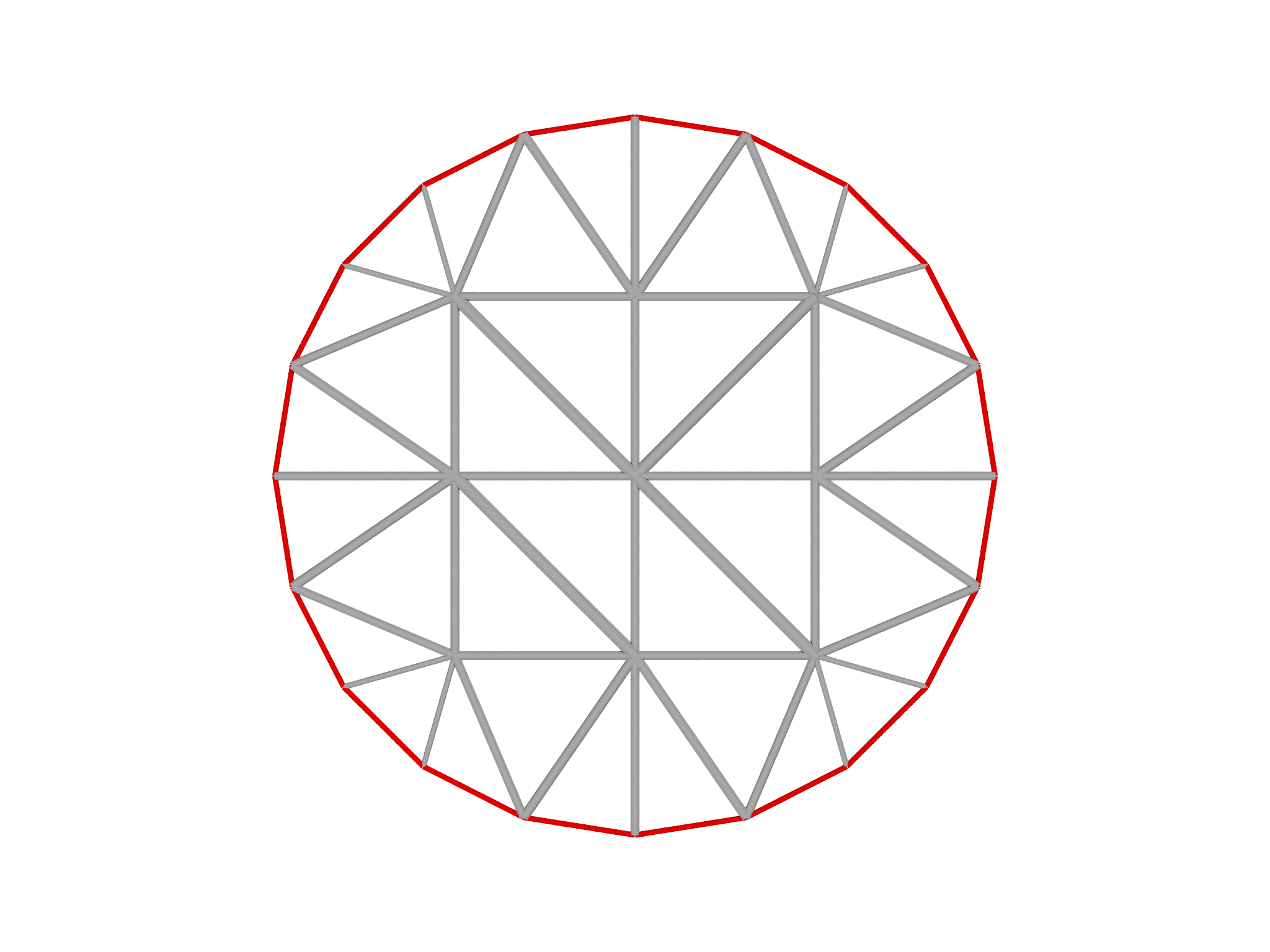 Selecting the boundary of the mesh